Overlays for your game screen

Dress up your screen,
quietly.

OniX lays a transparent overlay on top of your game — soft frames, borders, and small details — without ever covering the stats you actually need.

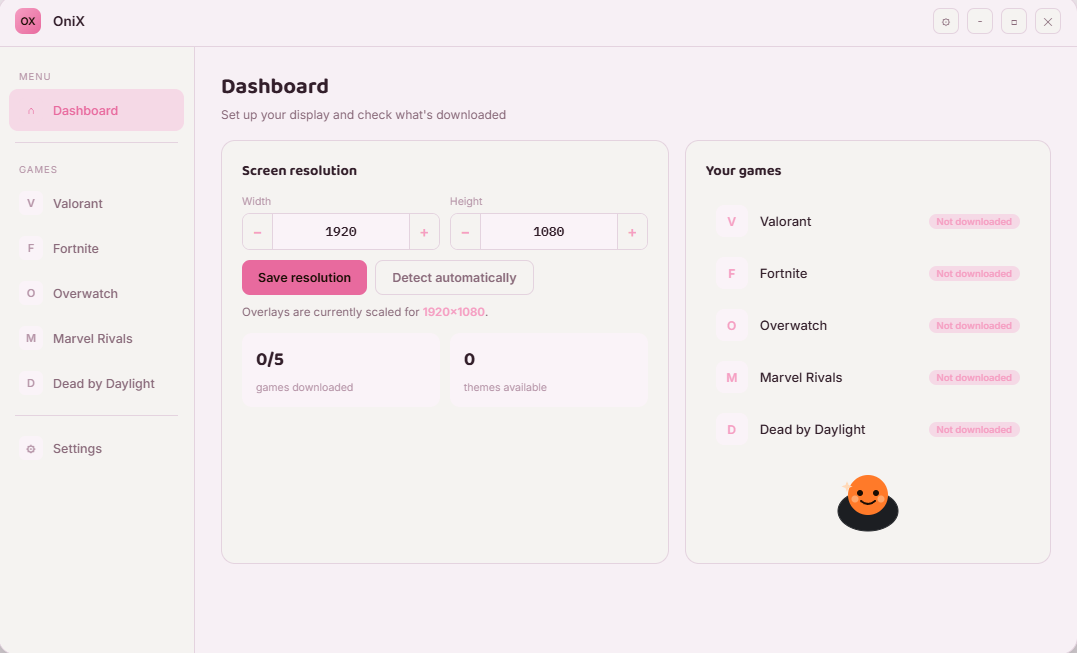
OniX dashboard
Themes save automatically
Works on top of Valorant Fortnite Overwatch Marvel Rivals Dead by Daylight

How it works

Three steps, then it's done

Set it up once — every overlay stays exactly where you left it, per game.

01

Set your resolution

Enter your width and height, or let OniX detect them for you. Every overlay scales to match your screen.

02

Pick your game

Valorant, Fortnite, Overwatch, Marvel Rivals, or Dead by Daylight — each one has its own overlay library.

03

Drop in a theme

Drag the overlay you like into place, save it, and it appears automatically every time you launch the game.

Themes

Soft sets, small details

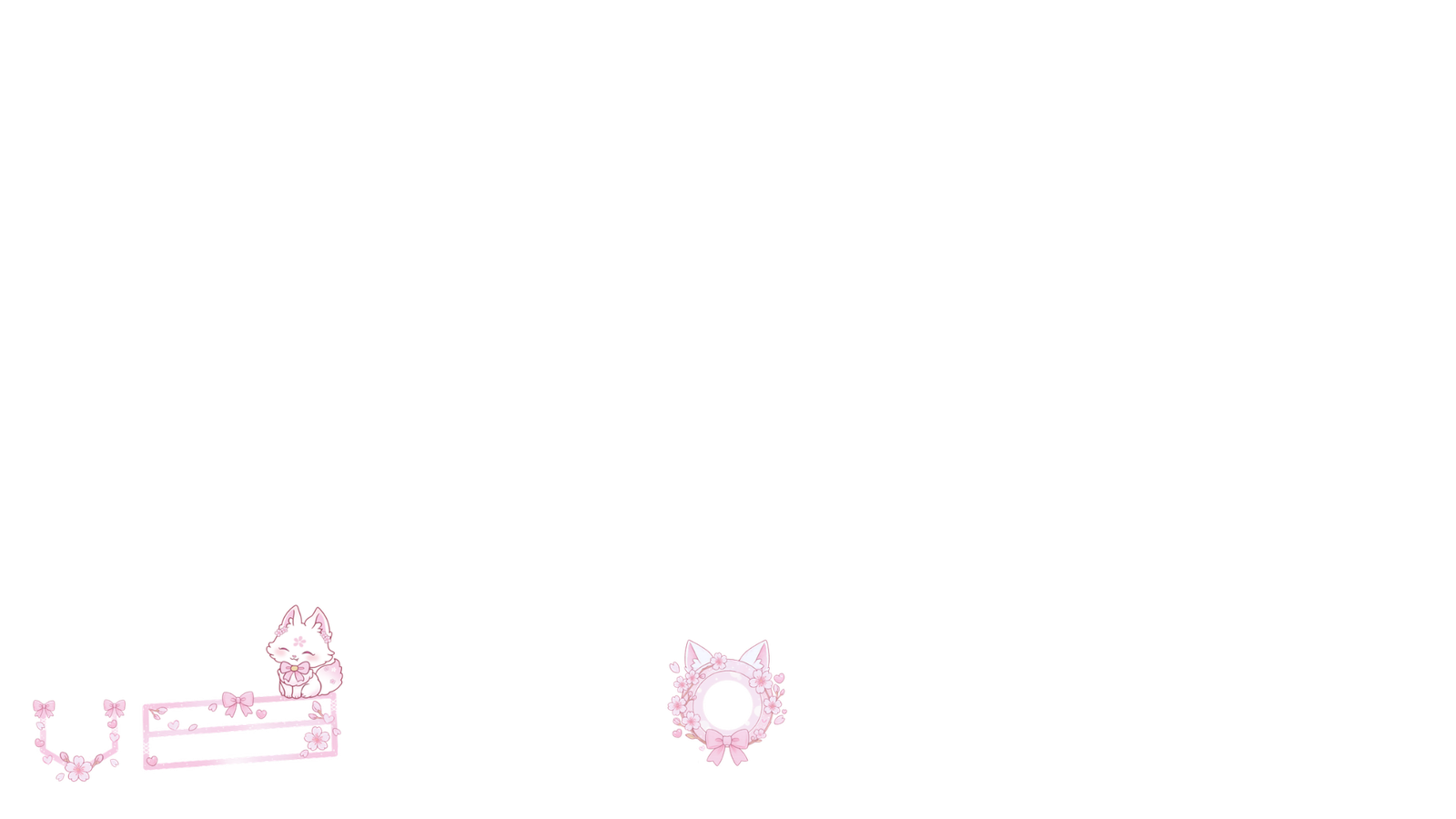
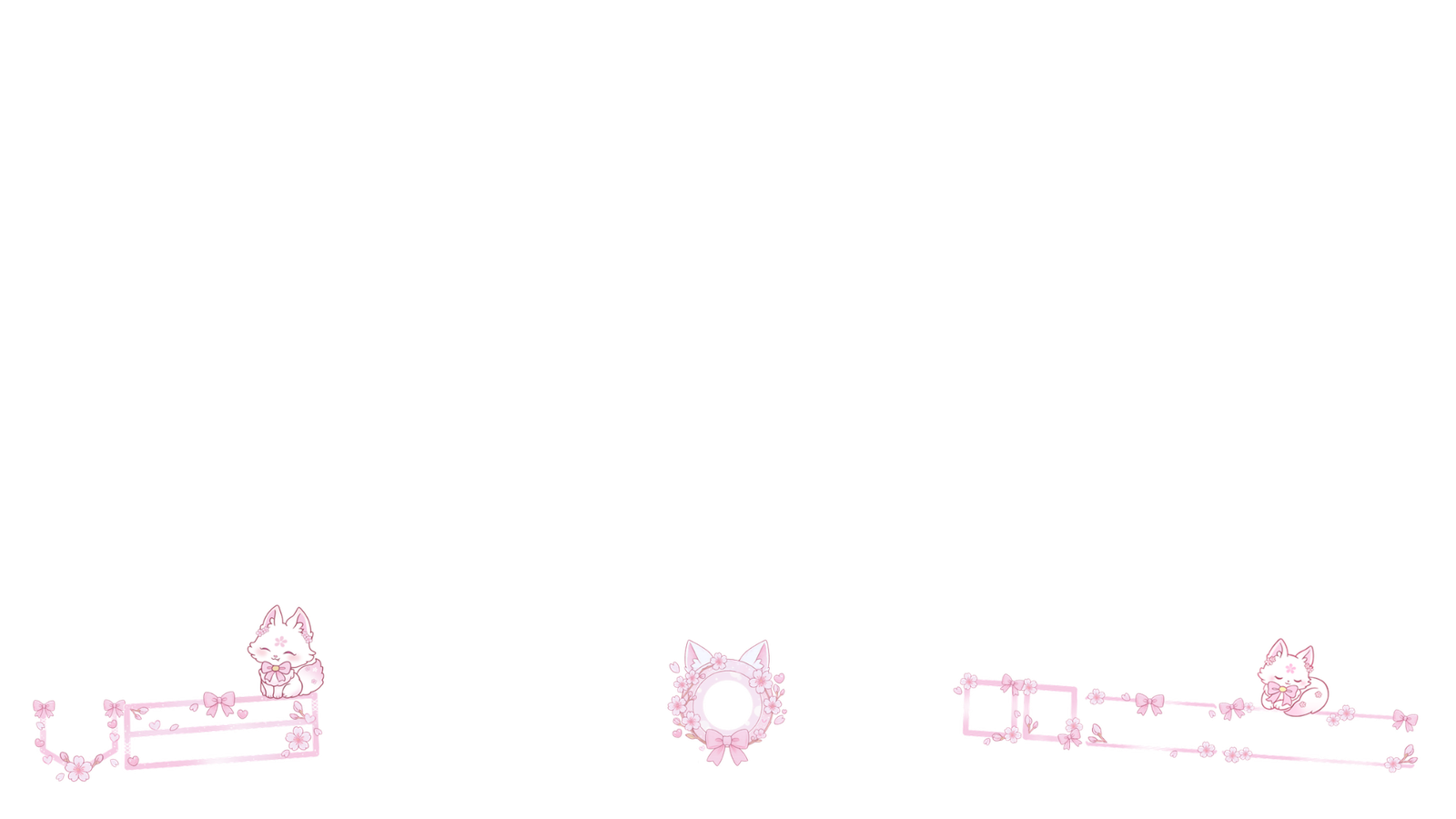
Every theme ships as layered, transparent PNGs, shown here with a clear background so you can see exactly what sits on top of your game.

Sakura Cat theme over a game HUD
Most downloaded

Sakura Cat

Cat-ear frames, a paw-print border, and pink ribbon corners — built for hero portraits, health bars, and the kill feed.

Sky Sakura theme over a game HUD
New

Sky Sakura

The same sakura shapes in a cooler palette — pale blue florals next to blush ribbon, for a calmer look on stream.

Paw Frame theme

Paw Frame

A round paw-print frame for hero portraits or a webcam.

Sky Sakura variant

Sky Sakura — alt

A lighter cut of the sky set, made for minimal HUDs.

Ability charge ring

Charge Ring

A paw-print ring that can double as a cooldown or charge indicator.

Why OniX

Built to stay out of your way

Light on your machine, easy to set up, and easy to forget it's even running — until you glance at your stream.

Full transparency

Overlays are transparent PNG layers, so nothing you actually need to see on screen ever gets covered.

A library per game

Each supported game gets its own page and its own set of overlays, kept separate from the rest.

Automatic resolution

Detect your screen size once, and every overlay scales itself to match, no manual resizing.

Saved automatically

Arrange an overlay once — OniX remembers its position for the next time you open that game.

New themes, often

The library grows on a regular schedule — pink and sky today, more palettes on the way.

Bring your own

Already have artwork you like? Upload it as an image and use it exactly like a built-in overlay.
Inside the app

A dashboard with nothing extra

Open a game, add an overlay, and you're done — the whole flow lives on one page.

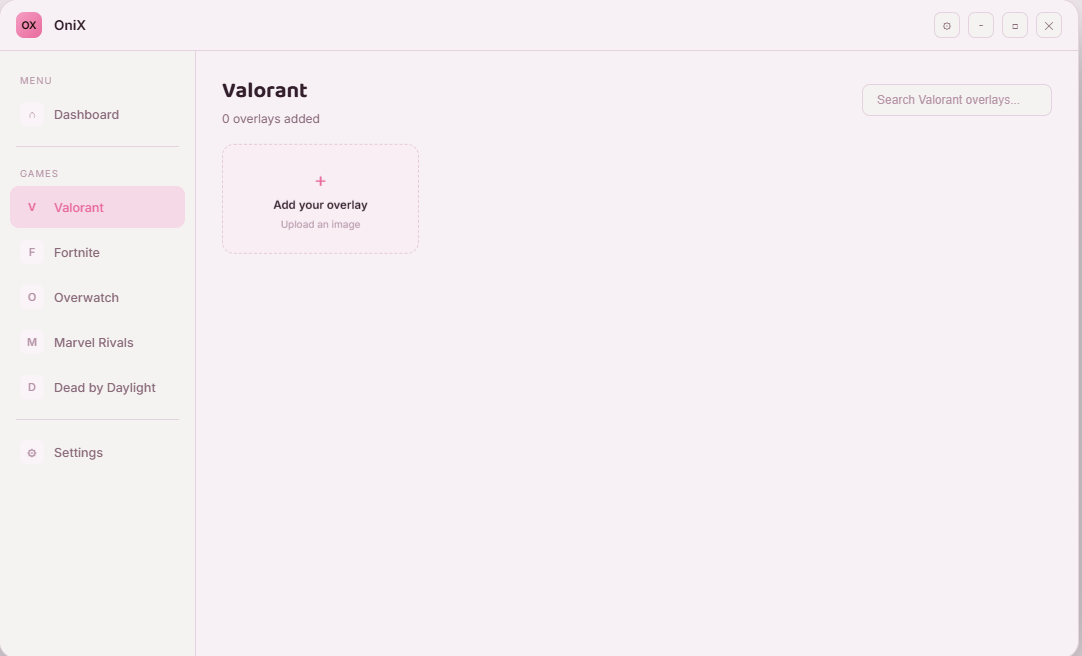
Adding an overlay inside the Valorant page

The Valorant page, showing an empty overlay slot ready for your first upload. Every other supported game follows the same layout.

Valorant · Overlay library

Set your screen your way

Download OniX and pick your first theme — free, and built for Windows.

Download OniX for Windows